1. Copy Link
Find the video you want to convert on YouTube, TikTok, or other sites and copy its URL.
Paste a video URL, convert audio instantly, and download MP3 in multiple qualities.
Please only convert content you own or are authorised to use.
Convert any video to MP3 in three simple steps.
Find the video you want to convert on YouTube, TikTok, or other sites and copy its URL.
Paste the link into our converter and select your preferred MP3 audio quality (up to 320kbps).
Click convert and your MP3 file will be ready to download instantly securely and fast.
Pick the quality that best suits your needs.
Compact files, ideal for spoken word, podcasts, or when storage is limited.
Standard quality. Great balance between file size and audio clarity for everyday listening.
High quality. Richer audio detail, perfect for music lovers with good headphones.
Maximum quality. Near-lossless audio for audiophiles and professional use.
The best audio extraction tool on the web.
Extract original audio quality up to 320kbps for crystal clear sound playback on any device.
Compatible with mobile, tablet, and desktop. No software installation required.
We don't log your downloads or store converted files. Everything is processed securely.
Compatible with mobile, tablet, and desktop. No software installation required.
Choose from 64, 128, 192, or 320 kbps to match your audio needs perfectly.
Start converting immediately. No account creation, no email verification, no hassle.
Learn how to make the most of your downloaded audio and MP3 players.
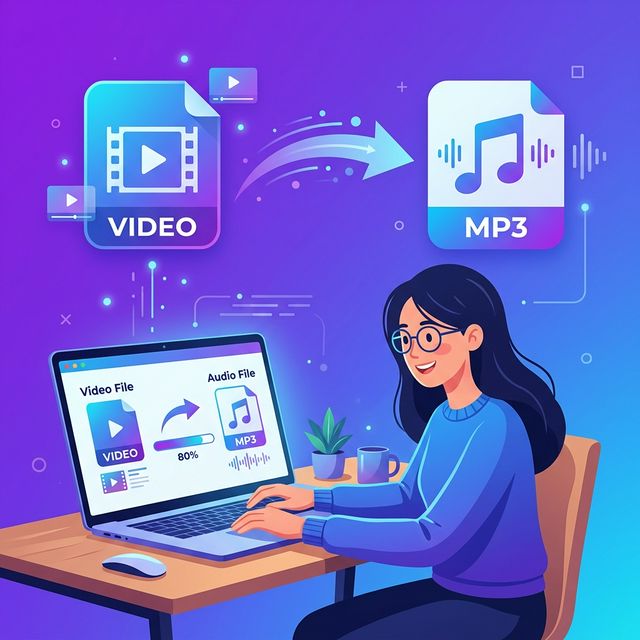
Learn multiple methods to extract audio from any video file.
A complete guide to downloading audio from YouTube videos safely.

The ultimate guide to downloading videos from virtually any website.

Learn how to put music on any MP3 player step-by-step.
Got questions? We've got answers.